Cat Care
Wi-Fi Automatic Cat Feeder Setup and Everyday Use
Set up a Wi-Fi automatic feeder with a stable connection, calibrated portions, clean food-contact parts, and a reliable backup plan.
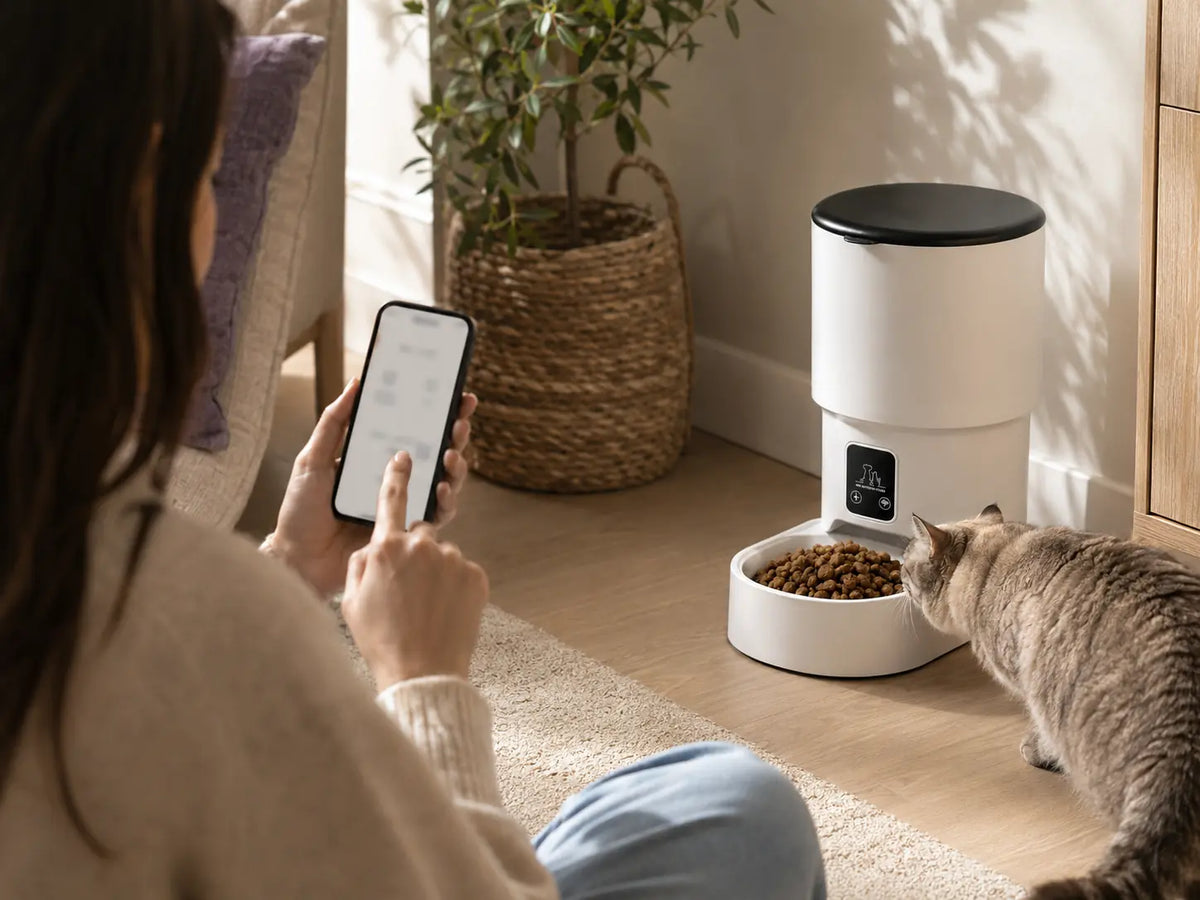
A connected feeder is most useful when the basics are dependable: correct assembly, safe placement, a stable network, accurate portion tests, and clean food-contact parts. Complete setup while you are home so you can observe several meals before relying on the schedule.
Quick takeaways
- Assemble and clean food-contact parts before adding food.
- Test network connection and notifications near the final location.
- Verify portion output and backup behavior before unattended use.
In this guide
- Choose the final location first
- Prepare the food path
- Connect the feeder
- Program and test meals
- Build an everyday operating routine
Choose the final location first
Use a dry, level surface near a suitable outlet and within reliable Wi-Fi range. Keep the feeder away from splashing water, direct heat, and places where a pet can tip it or chew the cord. Leave room to remove the hopper and bowl for cleaning.
Prepare the food path
Wash and fully dry removable food-contact parts as directed. Assemble the dispensing components carefully, secure the lid, and add compatible dry food. Do not mix crumbs, oversized pieces, or unsuitable shapes that could affect flow.
Connect the feeder
Follow the product instructions for app installation, account setup, pairing mode, and supported network band. Keep your phone, router, and feeder close during initial pairing. Use a strong unique password and install official firmware updates when offered.
Program and test meals
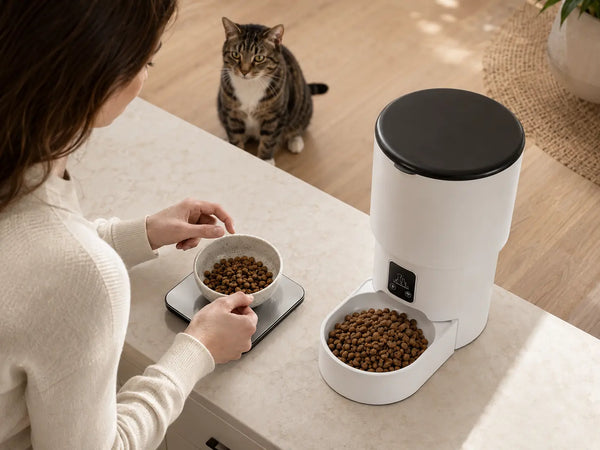
Enter the schedule, then run several manual and scheduled tests. Count or weigh the output so you understand the portion setting. Confirm time zone, notification permissions, and whether the feeder reports low food or an interrupted dispense.
Build an everyday operating routine
Check the bowl, hopper level, connection, and recent meal status daily. Clean the bowl frequently and the hopper on the recommended schedule. If backup batteries are supported, install the correct type and test the documented outage behavior.
Practical checklist
- Stable, dry, tip-resistant placement.
- Correct app and network setup.
- Measured test portions.
- Daily status and food-level check.
- Human backup care for travel or device issues.
Frequently asked questions
Will the feeder still dispense if Wi-Fi goes down?
Some models store schedules locally, while others depend more heavily on connectivity. Follow the exact manual and test the behavior before relying on it.
Can I set it up right before leaving town?
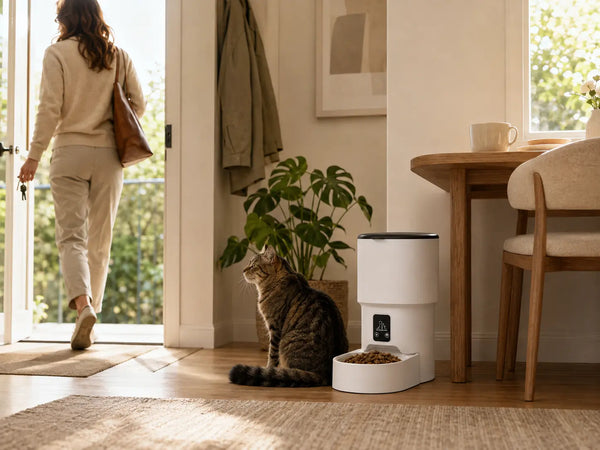
Avoid that. Use it for several days while you are home, observe multiple meals, and arrange a responsible person to check your cat and equipment while you are away.
This article provides general educational information and is not veterinary advice. Contact your veterinarian about health, nutrition, or sudden behavior changes.